Sunday, 8 July 2012

Olympus Camera SZ-31MR and SZ-30MR

We have a Olympus camera, the SZ-30MR that was bought in 2011 Sitex at Singapore Expo. It served us well. Plenty of functionalities. Until one day, end of June 2012, on our trip to Bali, it dropped and fell into the Grand Hyatt Bali swimming pool. I was not there when it happened but The Wife says it was fully submerged.

I know that if water or moisture were to get into electronics, the manufacturer is hesitant to repair it. We sent it to the Olympus Service Centre here in River Valley to get an idea on the extent of their repair. Changing the lens and the PCB costs around SGD300, almost equivalent to a new camera. The lady said even when they change the PCB, it is not guarantee it will rust again. Instead, she offer a trade-in for the camera with a new camera, the SZ-31MR. They will take the camera and we get to keep its existing peripherals. They took in about SGD100 off from the new camera.


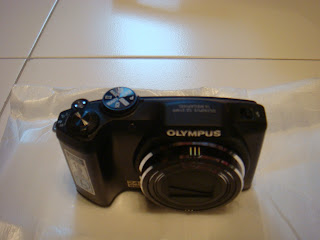
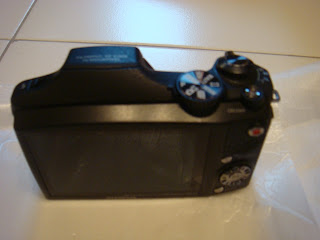
The new camera.


Camera features.


Its Eye-Fi compatible.


The camera came in 2 finishings. We choose the black.


The package comes with a basic manual. The full features manual and set-up is in the CD.

Out of the box, comes with one battery and a 8GB SD card.
The cables and the small box below are for charging.

Other items are the camera case, camera strap, pointer and RGB cable.

So the items are quite basic. 
Olympus Singapore did not provide any freebies with the purchase. Just the standard items out of the box. But at least we get to keep the peripherals from the previous camera.


The previous SZ-30MR which we purchase from Sitex 2011. 


The features from the box.


The back of its box is the same as the SZ-31MR.

Came with the camera case and RGB cable with the standard manual.

 The existing charging cable.
 

The freebies: an additional memory card and battery.

A rinky-dink camera stand for hobbits and a camera cleaning kit.


And the screen protector.


Sunday, 17 June 2012

PC Show 2012: Samsung LED Monitor S20B300B

This is what I got from the recent PC Show 2012 at Suntec City, 7-10 June 2012. I bought 2 more Innergie 2-in-1USB cable, which I blogged about here.


I got a 750GB HDD for the wife's laptop. This is a replacement as her current HDD died on her.


Another view.


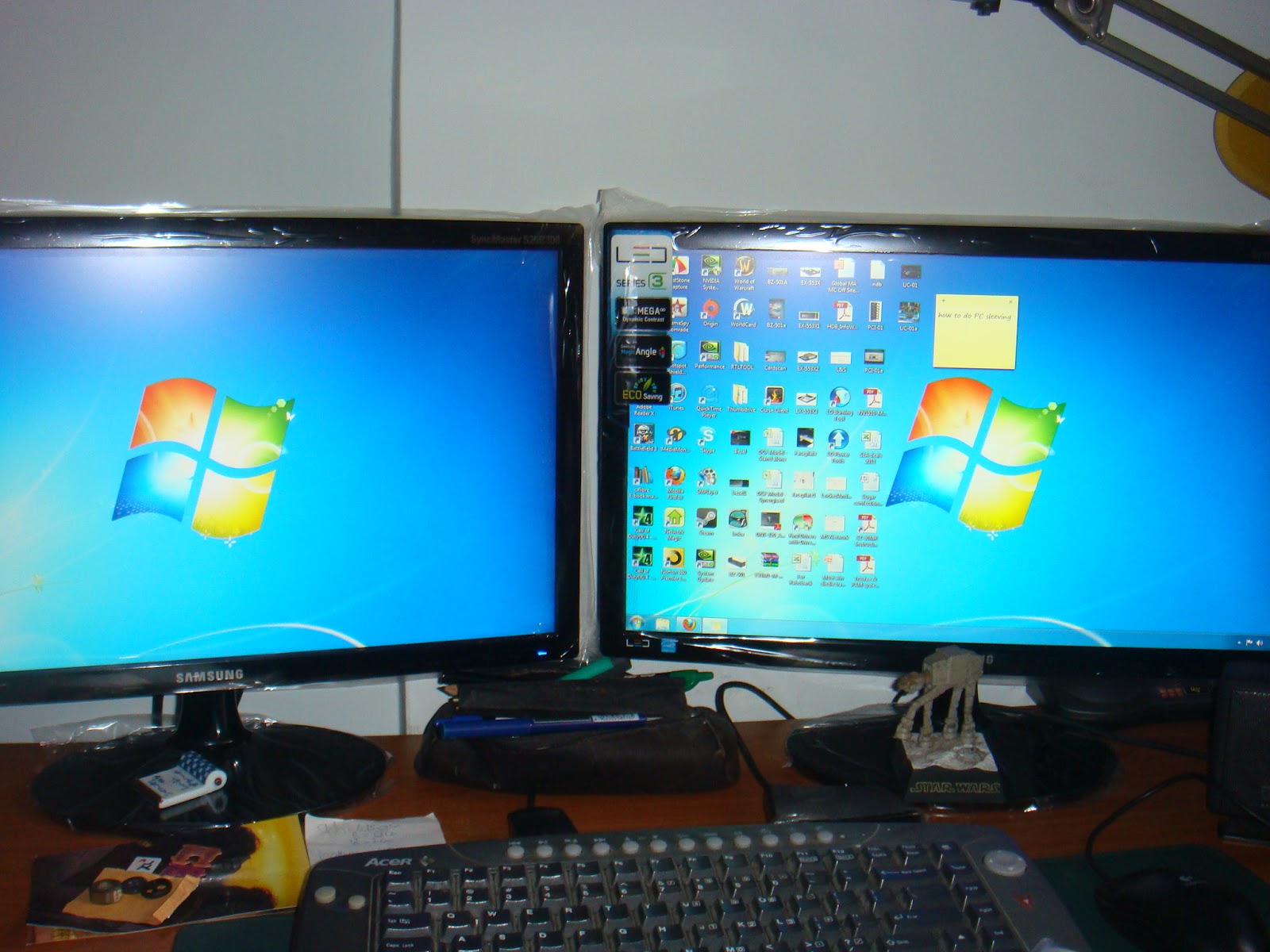
I have 2 old Samsung monitors. One died on me and I cannot work with only 1 screen. So I bought 2 brand new Samsung monitors, S20B300B.


This was my original monitors, Syncmaster 940B. I remember when I bought these monitors, it was very new and not on display yet. I did not know the quality of the image. The young lady that sold it to me said that if she opens the box for inspection, its considered sold. I took a gamble and bought it.

A true workhorse.

Unboxing the new monitors

The flat panel dislay.

I was surprised that I have to fix the base to the monitor. They have added an AC adapter for the power source.


The round disk is the base and the neck is the one with the green sticker.


I do not intend to remove the plastic wrapping. So I will cut a whole around the slot.
 

Underneath the base. So the neck goes into the slot and it is screwed on.
 

Behind the flat panel, there is a nice texture to the casing.


2 connection type.


How it looks like fully assembled.


The thickness.

Behind, after assembled.

When I compared my new monitor with the old one, immediately I know I have a problem.

The new monitor does not have any height adjustments. I am quite annoyed that it does not have this feature, unlike the old monitor which can be adjusted.
There is no cable management feature on the new monitor as well but the old monitor has a simple loop which allows the cables to go through it, making it so much neater.

I feel Samsung is positioning its monitors similar to its LED/LCD commercial tvs. Which means it is not suitable for professional usage.
Do not get me wrong. The image and resolutions are quite good.
But because they have omitted features like height adjustment feature and cable management, I foresee this as a problem for users, either at the office or at home.
This would mean I would have to buy a monitor riser or use some discarded phonebook to raise the damn monitors.


Saturday, 9 June 2012

Black and Decker Dustbuster Auto12V

A few years ago, the wife and I bought a Black & Decker Dustbuster Auto from Giant. This is the Dustbuster but for the automobile. It uses the 12V adapter that fits into the cigarette lighter.

Unfortunately, for some strange reason, it does not work anymore. I suspect the adapter shorted the device. So we decided to buy another Auto Dustbuster. We went to Autobacs and got the same device at SGD51.00


According to the box, there are only 2 additional attachments. Hmmmm, that is quite strange. I will explain soon.

The features.


Well, it says here are 2 attachment.


The device.


The 2 attachments are located underneath the vacuum.


So there are only 2 attachments.


Compare this with the first Dustbuster that I bought, see picture below. As you can see, it is exactly the same. Except Black and Decker gave more attachments then and even a bag to keep everything. The goose neck is very useful.


So the vacuum cleaner is still the same. But as can be seen from this picture, they have reduced the number of attachments.

Another view of my original Dustbuster.

Another view of my new Dustbuster.

Another interesting thing. The original B&D vacuum cleaner was made in England.

The new one is made in China.

Since the old vacuum is not working, I would have to throw it away. But I think I learned from the Army, is to cannibalise any parts you can get your hands on. So I took the snout of the vacuum and the filter. Still looks new.